Construction / Field guide
Where to Place a Water Supplier in Star Trek: Outposts Unknown
Place the Water Supplier on suitable land beside the water-source model, not directly on top of the visible pool. Use the placement overlay to find water.
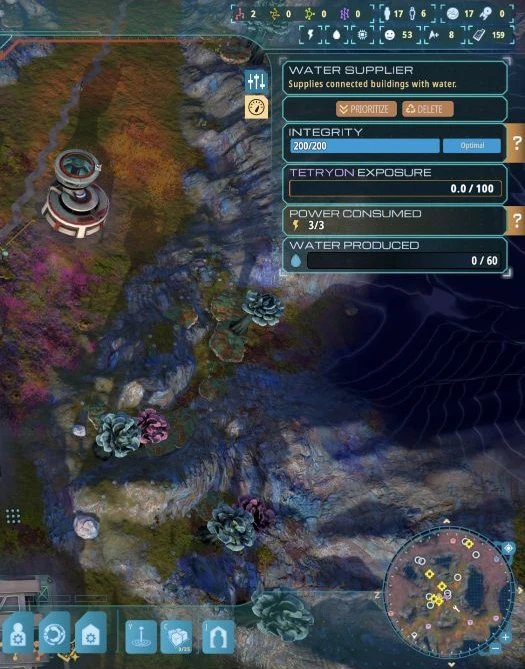
Use the underground-water overlay
Select Water Supplier and enter placement mode. Find a blue area with usable ground nearby. Darker blue areas are a useful place to check, but the water overlay does not remove terrain or collision restrictions.
A visible pool or Water Source model can occupy the very tiles you are trying to build on. Move the preview onto surrounding land until placement is allowed.
Connect the correct network
- Finish construction of the Water Supplier.
- Provide electricity.
- Connect it to the consuming building with blue Water Pipes.
- Check the receiving building’s water demand and the water stored in the network.
Yellow connections are power lines. An electrical connection alone does not connect the water supply.
Water Source or X’Lehari Hydrolift?
A Water Source marks access to underground water; its visible model is not a platform that the supplier must sit on.
An investigated X’Lehari Hydrolift can be a water-producing exploration structure. When its panel shows water production, treat it as the supply end and connect the appropriate pipes instead of stacking a Water Supplier on it. Update 1.0.1 addressed a Hydrolift production issue.
If water still is not flowing
Check placement, electricity, blue pipe connections and actual demand separately. A low display value by itself does not explain the fault. Follow the water to the consumer and storage rather than assuming that another power line or a longer wait will solve it.